












Fonction de comparaison dans Pro Tools
2m • 2013
Imaginez à quel point il serait formidable de :
- Entendre les différences subtiles entre deux réglages de plugin différents
- Avoir la certitude que vous prenez de bonnes décisions sonores
- Augmenter la précision des réglages modifiés
- Améliorer votre flux de travail de mixage dans Pro Tools
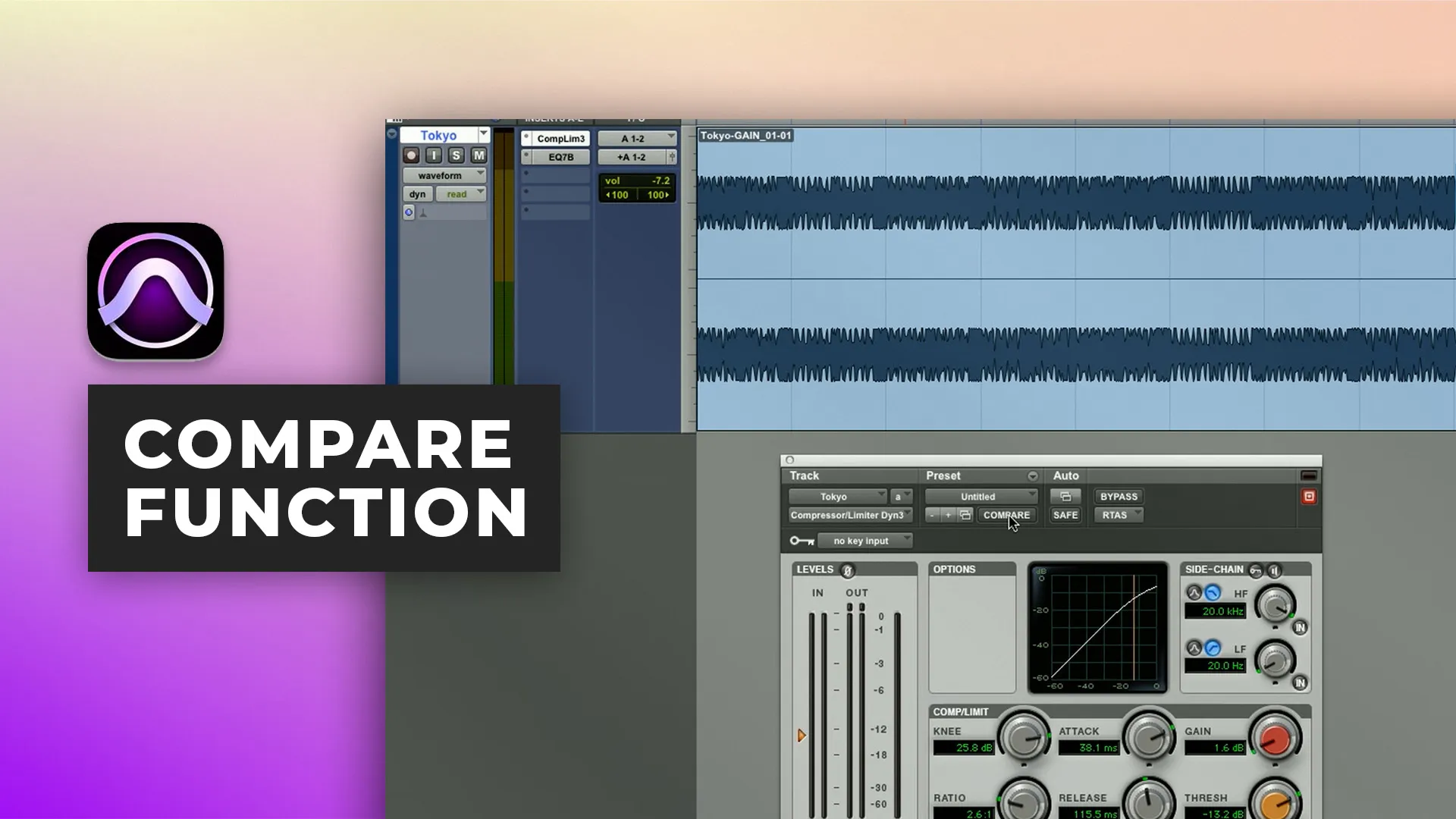
Eh bien, c’est exactement ce que la fonction de comparaison de réglages vous permet de faire ! A/B instantané entre n'importe quels deux réglages de plugin.
C’est une fonction souvent négligée qui peut faire toute la différence dans votre travail. Elle fonctionne aussi bien pour le mixage que le mastering et dans cette courte vidéo, Ben Lindell vous montrera comment.
Inside the mix
49,00 $USInside the mix
1 épisode gratuitStart to finish
Inside the mix
Inside the mix
GRATUITTutorials
GRATUITTutorials
GRATUITTutorials
29,00 $USTutorials
37,00 $USInside the mix
GRATUITMix Fix
18,00 $USTutorials
20,00 $USTutorials
Inside the mix
49,00 $USInside the mix
1 épisode gratuitStart to finish
Inside the mix
Inside the mix
GRATUITTutorialsInterviews
29,00 $USTutorialsExplained
37,00 $USInside the mix
GRATUITMix Fix
18,00 $USTutorialsExplained
20,00 $USTutorialsExplained
Inside the mix
49,00 $USInside the mix
1 épisode gratuitStart to finish
Inside the mix
Inside the mix
GRATUITTutorials
GRATUITTutorials
GRATUITTutorials
29,00 $USTutorials
37,00 $USInside the mix
GRATUITMix Fix
18,00 $USTutorials
20,00 $USTutorials
Inside the mix
49,00 $USInside the mix
1 épisode gratuitStart to finish
Inside the mix
Inside the mix
GRATUITTutorialsInterviews
29,00 $USTutorialsExplained
37,00 $USInside the mix
GRATUITMix Fix
18,00 $USTutorialsExplained
20,00 $USTutorialsExplained
