












Utiliser le flex pitch dans Logic Pro X
20m • 2018
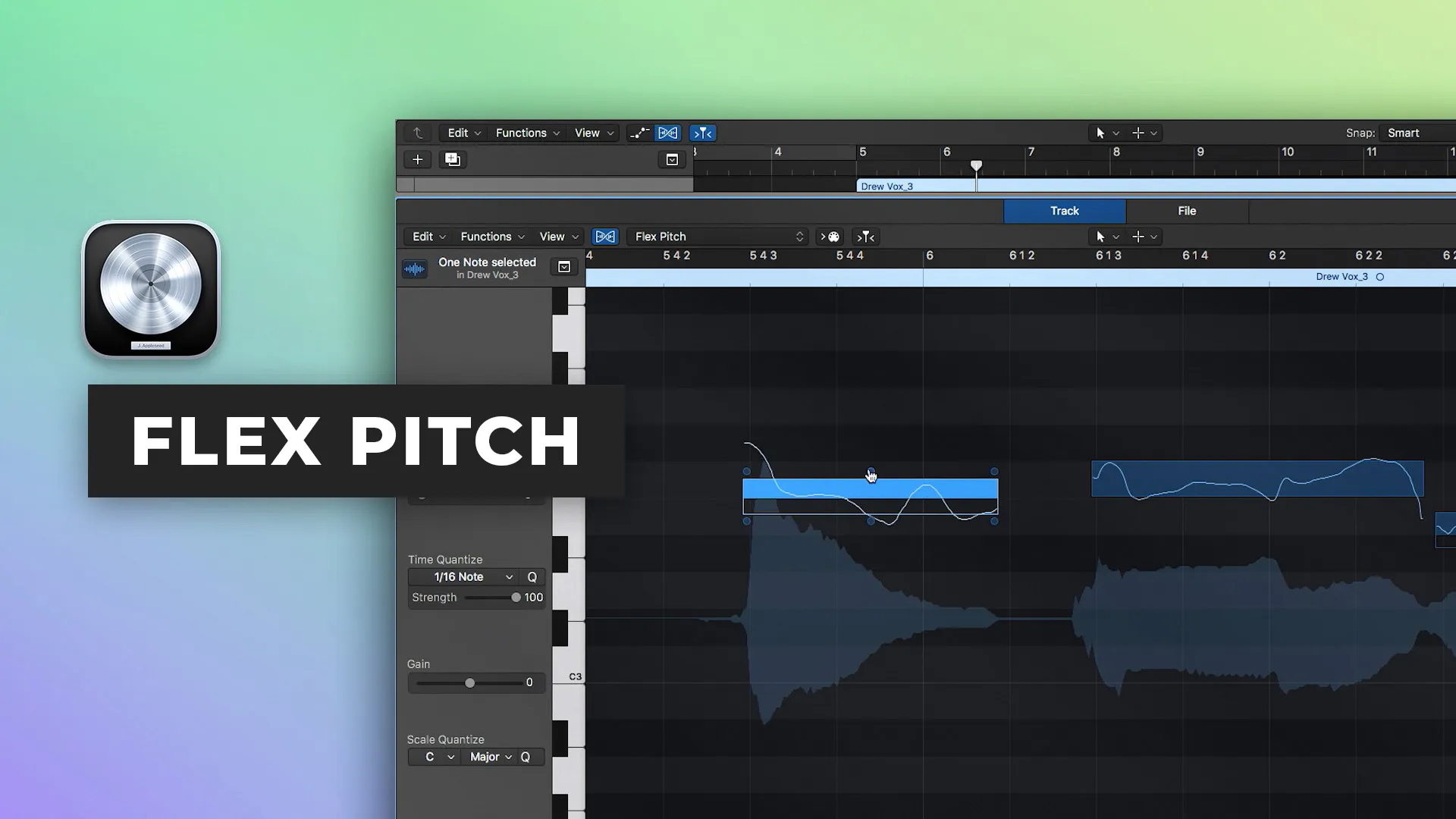
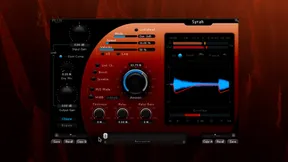
Dans la neuvième partie de notre Série de démarrage rapide Logic Pro X, Scott Griffin vous montre comment manipuler la hauteur des performances audio en utilisant la fonction Flex Pitch incluse. Flex Pitch vous permet d'effectuer des tâches telles que l'accord vocal et peut également être utilisé pour créer des harmonies et des doubles à partir de performances existantes.
Apprenez à :
- Ajuster la hauteur fine, la dérive de hauteur à l'entrée, la dérive de hauteur à la sortie, le vibrato, le gain et le changement de formante
- Accorder les voix
- Créer des harmonies
- Quantiser l'échelle
- Ajuster le comportement de votre tête de lecture pour des auditions rapides
Regardez la partie 10 ici
Voir le reste de la série ici
Inside the mix
Collective mix
Tutorials
39,00 $USInside the mix
35,00 $USTutorials
Inside the mix
Inside the mix
GRATUITTutorials
Inside the mix
GRATUITTutorials
17,00 $USTutorials
GRATUITStart to finish
99,00 $USTutorials
17,00 $USTutorials
GRATUITTutorials
Inside the mix
Collective mixLifeboats
TutorialsInterviews
39,00 $USInside the mix
35,00 $USTutorialsExplained
Inside the mix
Inside the mix
GRATUITTutorialsDAWs
Inside the mix
GRATUITTutorialsExplained
17,00 $USTutorialsExplained
GRATUITStart to finish
99,00 $USTutorialsMini shows
17,00 $USTutorialsExplained
GRATUITTutorialsInterviews
Inside the mix
Collective mix
Tutorials
39,00 $USInside the mix
35,00 $USTutorials
Inside the mix
Inside the mix
GRATUITTutorials
Inside the mix
GRATUITTutorials
17,00 $USTutorials
GRATUITStart to finish
99,00 $USTutorials
17,00 $USTutorials
GRATUITTutorials
Inside the mix
Collective mixLifeboats
TutorialsInterviews
39,00 $USInside the mix
35,00 $USTutorialsExplained
Inside the mix
Inside the mix
GRATUITTutorialsDAWs
Inside the mix
GRATUITTutorialsExplained
17,00 $USTutorialsExplained
GRATUITStart to finish
99,00 $USTutorialsMini shows
17,00 $USTutorialsExplained
GRATUITTutorialsInterviews
