








Utiliser le temps flexible dans Logic Pro X
14m • 2018
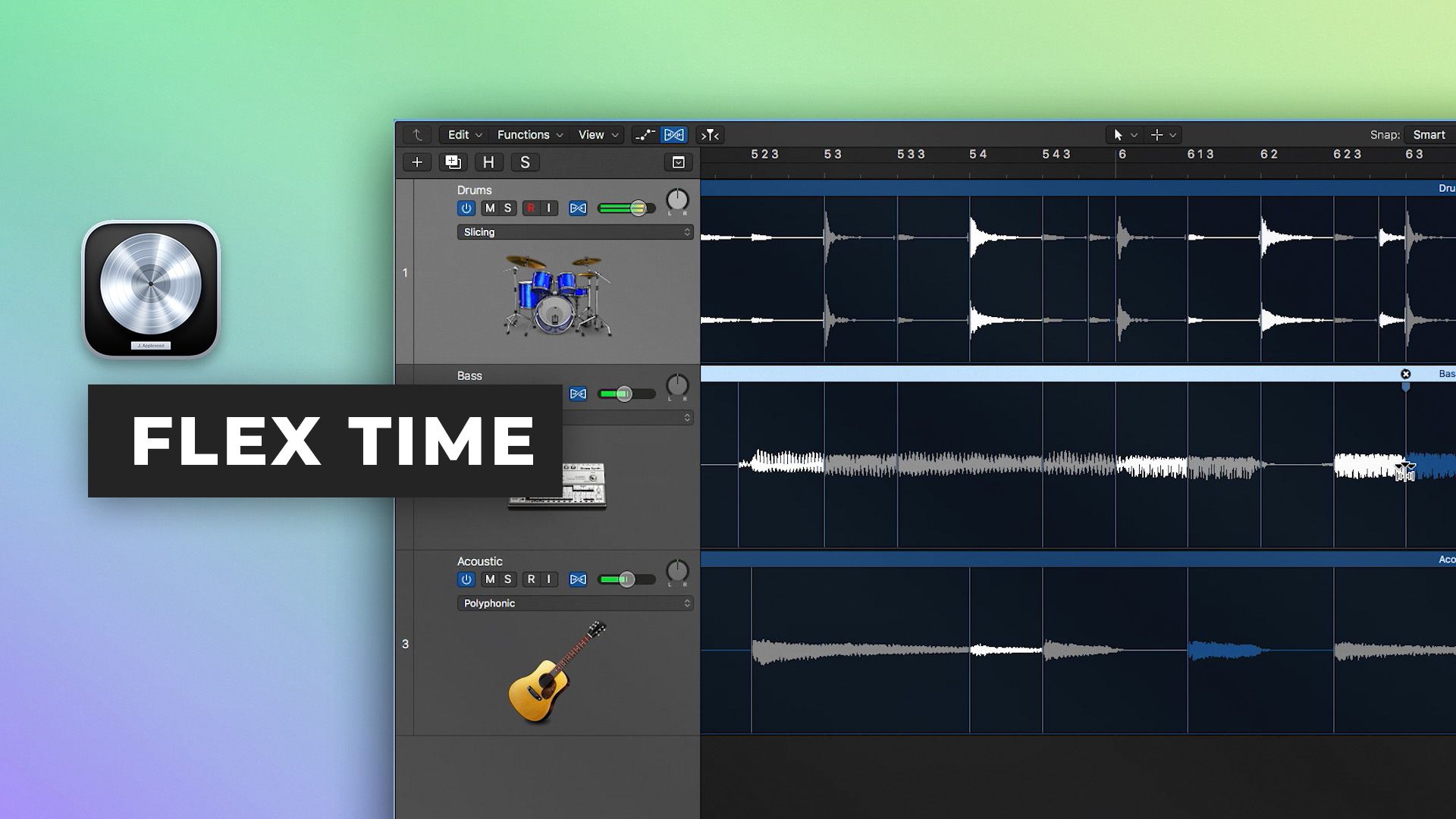
Dans la partie huit de notre Série de démarrage rapide Logic Pro X, Scott Griffin vous montre comment manipuler le timing de l'audio en utilisant Flex Time. Flex Time permet des options d'édition de performances basées sur le temps très puissantes et est une technique inestimable à comprendre.
Apprenez à :
- Corriger les performances de batterie
- Verrouiller plusieurs performances à un groove unifié
- Créer et éditer des marqueurs transitoires et flex pour un édition fluide
- Utiliser des points d'ancrage pour éditer sélectivement des portions de la performance et laisser d'autres zones non éditées
- Utiliser le spécial effect Speed et les algorithmes Tempophonic pour ajuster la hauteur à temps et ajouter des effets de stretching temporel granulaires
Regardez la partie 9 ici
Découvrez le reste de la série ici
Inside the mix
18,00 $USTutorials
Tutorials
37,00 $USTutorials
49,00 $USTutorials
49,00 $USInside the mix
Inside the mix
GRATUITTutorials
Inside the mix
21,00 $USTutorials
Tutorials
34,00 $US1 épisode gratuitStart to finish
Tutorials
Inside the mix
TutorialsDAWs
18,00 $USTutorialsExplained
TutorialsInterviews
37,00 $USTutorialsExplained
49,00 $USTutorialsTemplates
49,00 $USInside the mix
Inside the mix
GRATUITTutorialsDAWs
Inside the mix
21,00 $USTutorialsDAWs
TutorialsHow to listen
34,00 $US1 épisode gratuitStart to finish
TutorialsInterviews
Inside the mix
18,00 $USTutorials
Tutorials
37,00 $USTutorials
49,00 $USTutorials
49,00 $USInside the mix
Inside the mix
GRATUITTutorials
Inside the mix
21,00 $USTutorials
Tutorials
34,00 $US1 épisode gratuitStart to finish
Tutorials
Inside the mix
TutorialsDAWs
18,00 $USTutorialsExplained
TutorialsInterviews
37,00 $USTutorialsExplained
49,00 $USTutorialsTemplates
49,00 $USInside the mix
Inside the mix
GRATUITTutorialsDAWs
Inside the mix
21,00 $USTutorialsDAWs
TutorialsHow to listen
34,00 $US1 épisode gratuitStart to finish
TutorialsInterviews
