




How to use take folders and comp in Logic Pro X
12分钟 • 2018
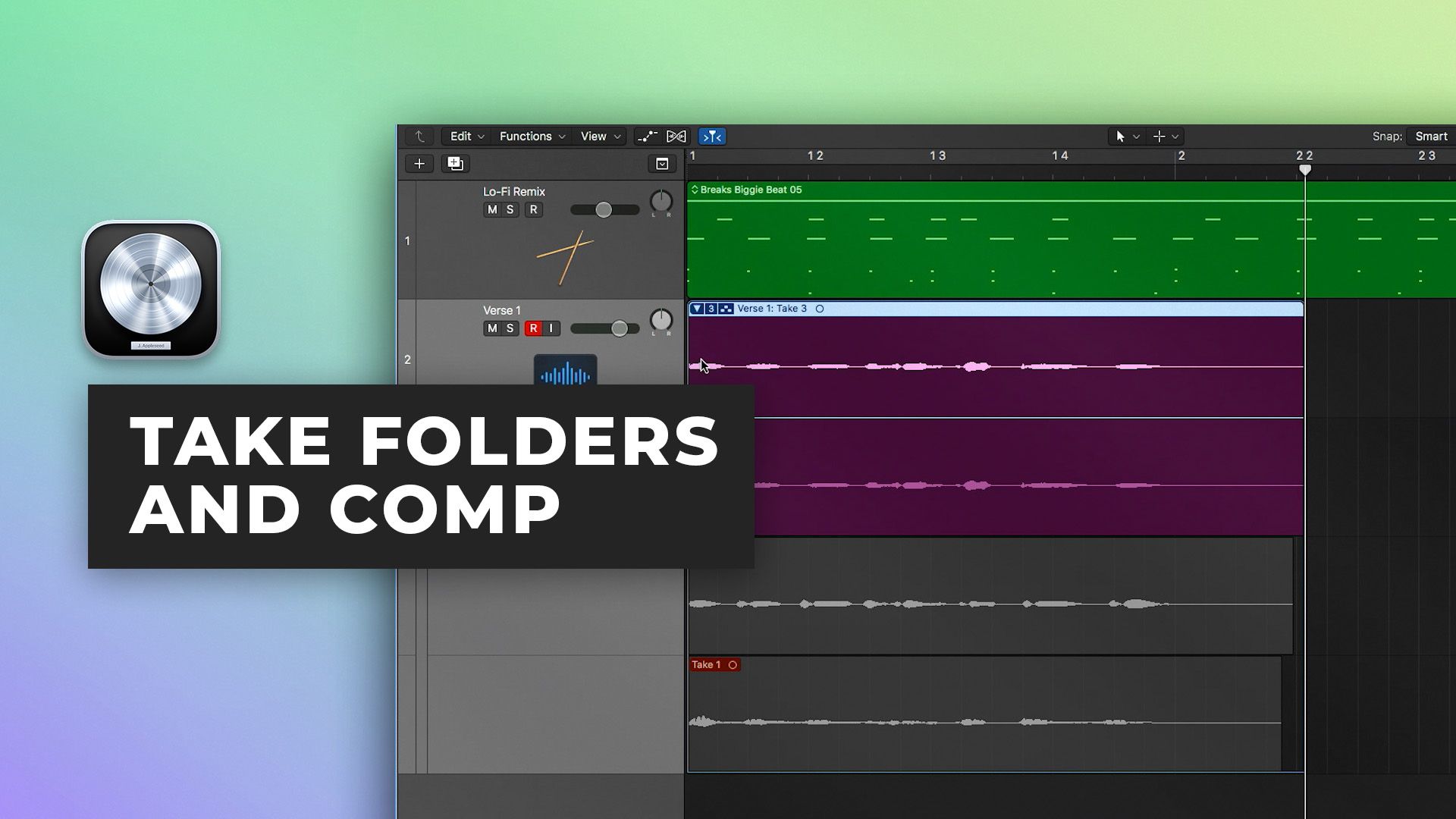
In part six of our Logic Pro X Quickstart Series, Scott Griffin shows you how to use take folders and create perfect composite takes, while keeping your session organized.
Learn How To:
- Organize multiple takes of a performance
- Use quick swipe mode to audition multiple takes and select portions of the performance for the perfect composite take
- Adjust automatic crossfade creation, allowing you to edit with greater speed and stay focused on the performance
- Create multiple composite versions and organize multiple versions of the performance
- Commit to your edits with features like Flatten and Merge
- Use features like unpack take folders to new tracks and more for increased flexibility
Watch part 7 here
See the rest of the series here
Tutorials
免费Tutorials
免费Tutorials
免费Tutorials
免费Tutorials
免费Tutorials
免费Cuisine
$49.00Inside the mix
$35.00Inside the mix
免费Tutorials
$39.00Inside the mix
$19.00Tutorials
$44.00Inside the mix
免费Tutorials
Inside the mix
TutorialsDAWs
免费TutorialsInterviews
免费TutorialsDAWs
免费TutorialsExplained
免费TutorialsDAWs
免费Cuisine
$49.00Inside the mix
$35.00Inside the mix
免费TutorialsDAWs
$39.00Inside the mix
$19.00TutorialsExplained
$44.00Inside the mix
免费TutorialsInterviews
Inside the mix

Tutorials
免费Tutorials
免费Tutorials
免费Tutorials
免费Tutorials
免费Tutorials
免费Cuisine
$49.00Inside the mix
$35.00Inside the mix
免费Tutorials
$39.00Inside the mix
$19.00Tutorials
$44.00Inside the mix
免费Tutorials
Inside the mix
TutorialsDAWs
免费TutorialsInterviews
免费TutorialsDAWs
免费TutorialsExplained
免费TutorialsDAWs
免费Cuisine
$49.00Inside the mix
$35.00Inside the mix
免费TutorialsDAWs
$39.00Inside the mix
$19.00TutorialsExplained
$44.00Inside the mix
免费TutorialsInterviews
Inside the mix