
















Aux-Spuren in Pro Tools
6m • 2010
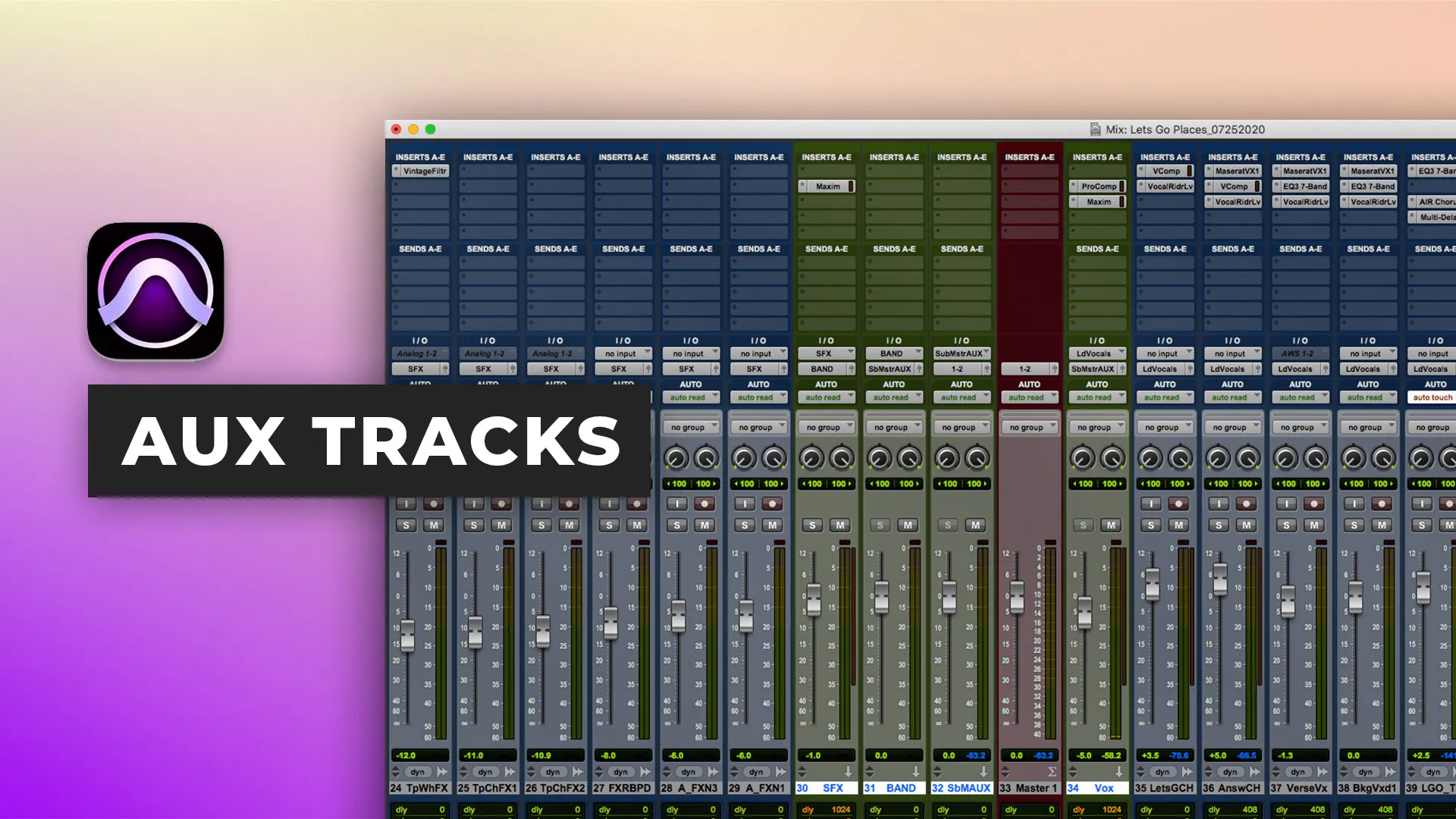
So oder so, wenn Sie an einer Sitzung arbeiten, werden Sie mehrere Spuren zum selben Aux-Track routen müssen, um allgemeine Automatisierung und Plugins anzuwenden oder einen Aux-Track zu erstellen, um Effekte wie Hall und Verzögerungen zu teilen.
In diesem Video wird Ben Ihnen zeigen, wie Sie diese beiden Dinge in Pro Tools organisiert umsetzen können.
Wenn Sie mehr über Ben Lindell erfahren möchten, besuchen Sie bitte: www.benlindell.com
Bitte vergessen Sie nicht, dieses Video auf Twitter, Youtube und Facebook zu teilen. Je mehr Besucher wir haben, desto mehr kostenlose Inhalte werden wir erstellen können!
$19.00Tutorials
$17.00Tutorials
2 kostenlose EpisodenStart to finish
1 kostenlose EpisodeStart to finish
$27.00Tutorials
Collective mix
$15.00Tutorials
1 kostenlose EpisodeStart to finish
Inside the mix
Inside the mix
KOSTENLOSTutorials
Inside the mix
$17.00Tutorials
KOSTENLOSTutorials
$19.00TutorialsExplained
$17.00TutorialsExplained
2 kostenlose EpisodenStart to finish
1 kostenlose EpisodeStart to finish
$27.00TutorialsExplained
Collective mixLifeboats
$15.00TutorialsExplained
1 kostenlose EpisodeStart to finish
Inside the mix
Inside the mix
KOSTENLOSTutorialsInterviews
Inside the mix
$17.00TutorialsExplained
KOSTENLOSTutorialsExplained
$19.00Tutorials
$17.00Tutorials
2 kostenlose EpisodenStart to finish
1 kostenlose EpisodeStart to finish
$27.00Tutorials
Collective mix
$15.00Tutorials
1 kostenlose EpisodeStart to finish
Inside the mix
Inside the mix
KOSTENLOSTutorials
Inside the mix
$17.00Tutorials
KOSTENLOSTutorials
$19.00TutorialsExplained
$17.00TutorialsExplained
2 kostenlose EpisodenStart to finish
1 kostenlose EpisodeStart to finish
$27.00TutorialsExplained
Collective mixLifeboats
$15.00TutorialsExplained
1 kostenlose EpisodeStart to finish
Inside the mix
Inside the mix
KOSTENLOSTutorialsInterviews
Inside the mix
$17.00TutorialsExplained
KOSTENLOSTutorialsExplained