


























How to Build a Track From Scratch in Ableton Live
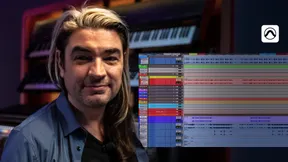
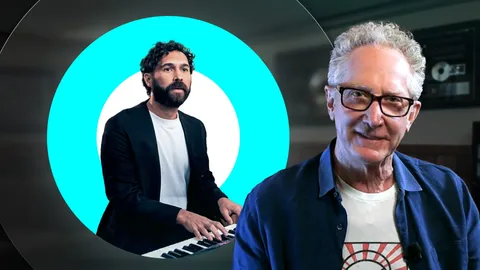
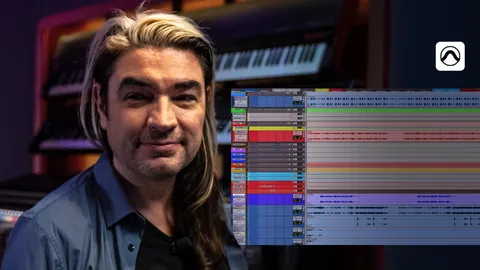
Most music production tutorials hand you a session that's already half-finished. This one starts with a truly blank canvas. In this five-part series, producer and mixing engineer Fab Dupont sits down with no plan, no brief, and no vocalist in mind, and builds a complete, release-ready track in real time inside Ableton Live. It's the flip side of everything Puremix usually teaches: instead of mixing a finished record, you watch one come to life, from the first kick drum to the final master.
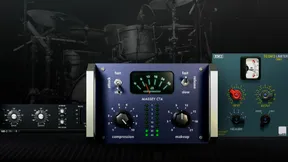
Recorded as an unscripted, think-out-loud session, it's a rare look at how a professional actually makes creative decisions: how he chases a feel, when he commits and when he throws an idea away, and how he keeps momentum so the blank page never wins. Fab works almost entirely in the box with XO by XLN Audio, a forgiving Juno-style synth, a Trident, Splice samples, and a single low-latency limiter on the master, proving you don't need a complicated rig to make something that sounds finished. By the end the track is printed at -14 LUFS, so the demo holds itself together without a single EQ or compressor on the master bus.
What you'll learn across the series:
- How to start a track from nothing and beat the blank-canvas freeze
- A repeatable creative workflow for beat making and arrangement in Ableton Live
- Drum programming and groove design in XO, including Afrobeat-inspired pockets
- Bass, chord, and synth choices that turn a loop into a song
- Sound design and sampling techniques: reversing, enveloping, stutters, and working with Splice
- How to build real song structure with intros, transitions, and endings
- The art of mixing as you go, so your demo sounds finished with almost nothing on the master
- The producer mindset: managing self-doubt, using constraints, and why input drives output
