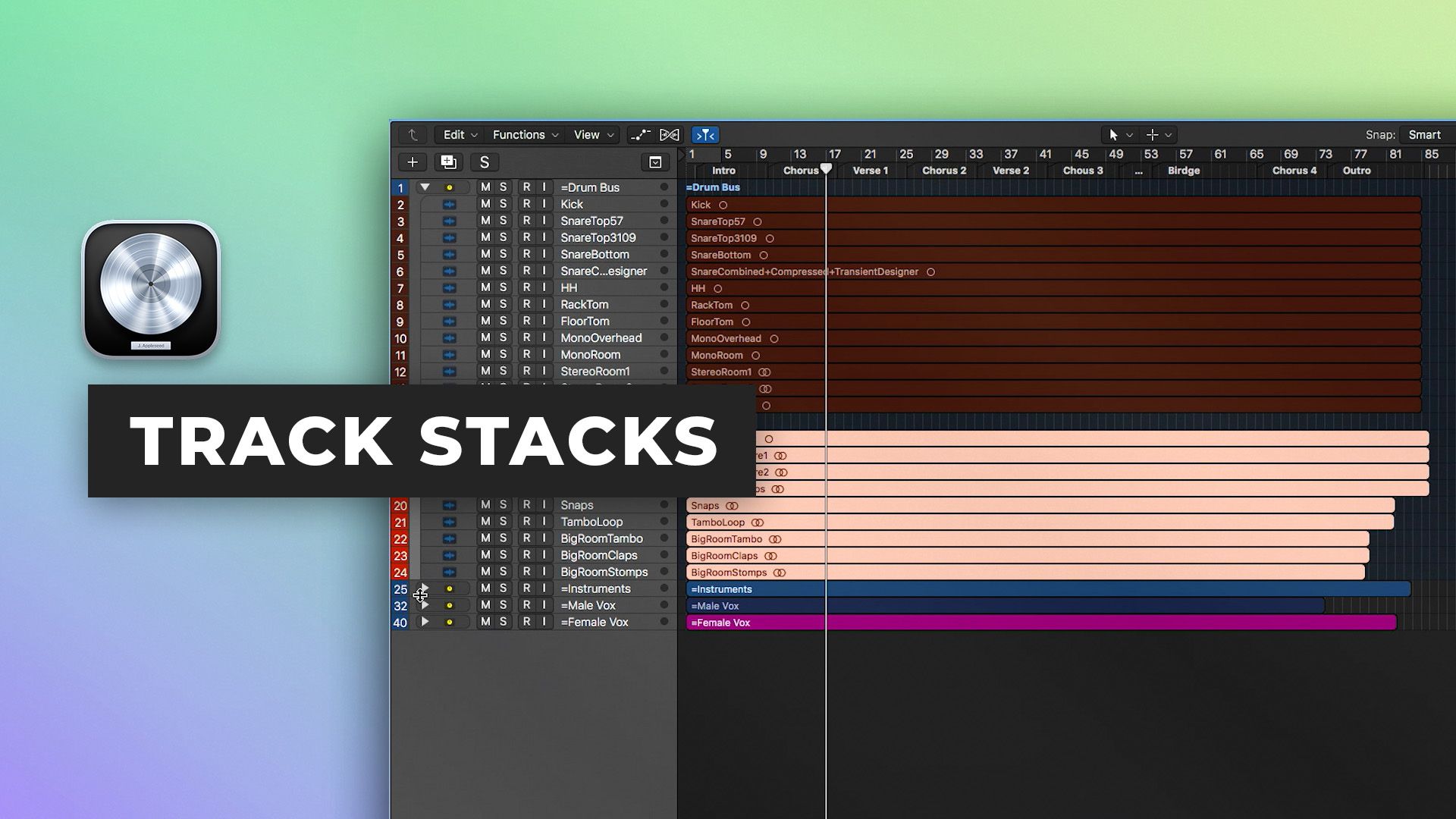









Using track stacks in Logic Pro X
8m • 2018
In part seven of our Logic Pro X Quickstart Series, Scott Griffin shows you how to use track stacks to simplify your sessions and stay organized.
Learn How To:
- Quickly route and create submixes
- Play multiple instruments in one patch
- Keep sessions with large track counts organized and efficient
- Understand the different uses for Folder Stacks and Summing Stacks
Watch part 8 here
See the rest of the series here
FREETutorials
Inside the mix
$49.00Inside the mix
$39.00Inside the mix
FREETutorials
FREEMix Fix
FREEMix Fix
$37.00Inside the mix
FREETutorials
$39.00Inside the mix
$39.00Tutorials
Tutorials
$17.00Tutorials
$19.00Tutorials
$49.00Inside the mix
FREETutorialsDAWs
Inside the mix
$49.00Inside the mix
$39.00Inside the mix
FREETutorialsExplained
FREEMix Fix
FREEMix Fix
$37.00Inside the mix
FREETutorialsInterviews
$39.00Inside the mix
$39.00TutorialsHow to listen
Tutorials
$17.00TutorialsExplained
$19.00TutorialsHow to listen
$49.00Inside the mix
FREETutorials
Inside the mix
$49.00Inside the mix
$39.00Inside the mix
FREETutorials
FREEMix Fix
FREEMix Fix
$37.00Inside the mix
FREETutorials
$39.00Inside the mix
$39.00Tutorials
Tutorials
$17.00Tutorials
$19.00Tutorials
$49.00Inside the mix
FREETutorialsDAWs
Inside the mix
$49.00Inside the mix
$39.00Inside the mix
FREETutorialsExplained
FREEMix Fix
FREEMix Fix
$37.00Inside the mix
FREETutorialsInterviews
$39.00Inside the mix
$39.00TutorialsHow to listen
Tutorials
$17.00TutorialsExplained
$19.00TutorialsHow to listen
$49.00Inside the mix
