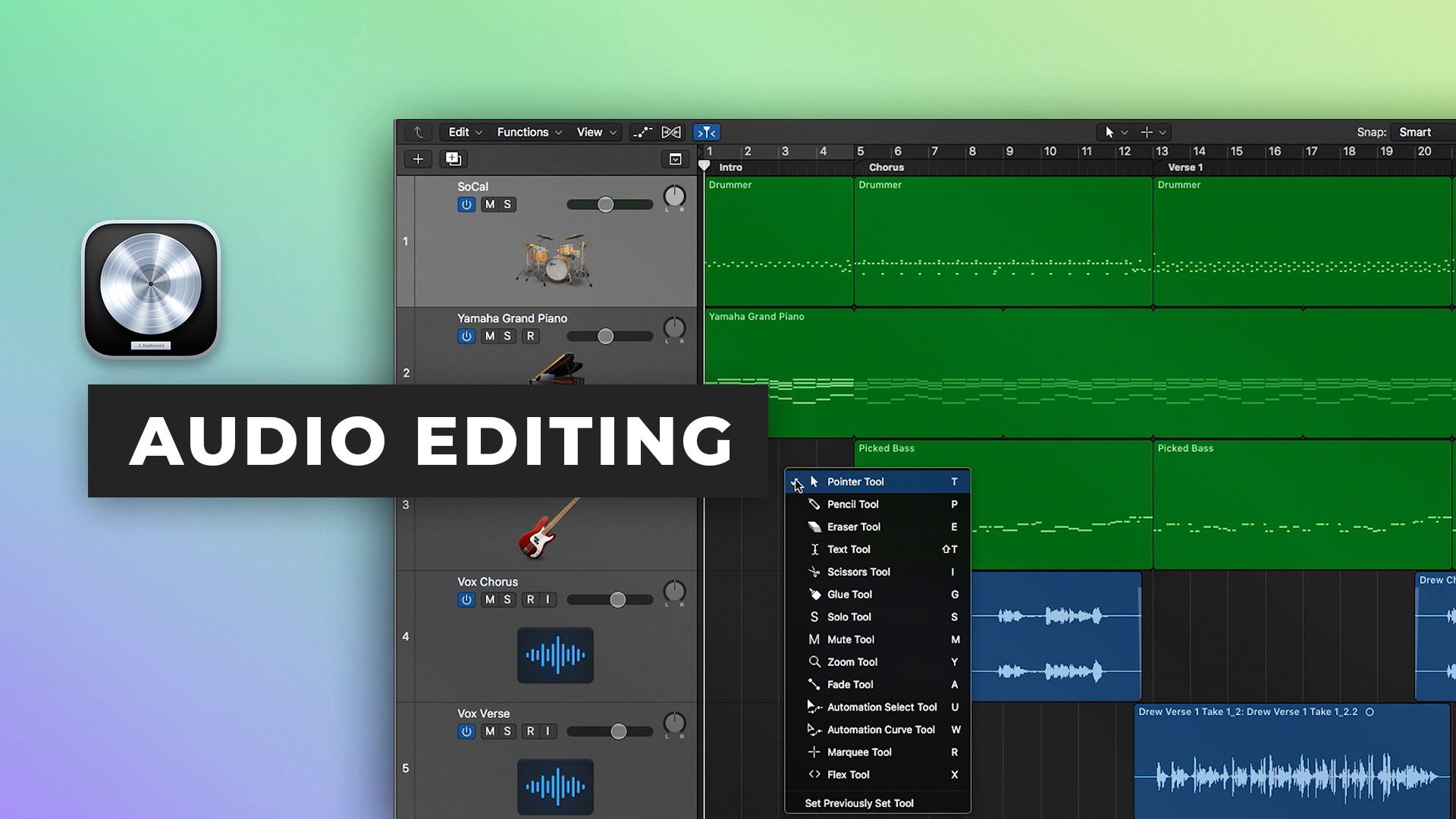





Audio editing in Logic Pro X
15m • 2018
In part two of our Logic Pro X Quickstart Series, Scott Griffin shows you how to use the powerful audio editing features of Logic Pro X.
Learn How To:
- Use the primary and secondary tools
- Save time by using tool shortcuts to avoid the tool menu
- Quickly add fades and crossfades using fade click zones
- Edit with speed and precision by using the marquee tool
- Avoid the toolbar with key commands
- Understand snap and drag modes to quickly move audio around the timeline
- Use relative and absolute grid modes
- Use inspector features like clip grain, loop, fades and reverse
Watch part 3 here
See the rest of the series here
$49.00Inside the mix
$19.00Tutorials
Start to finish
FREETutorials
Inside the mix
Tutorials
Collective mix
FREETutorials
FREETutorials
Tutorials
FREETutorials
$19.00Tutorials
$43.00Inside the mix
$12.00Tutorials
$49.00Inside the mix
$19.00TutorialsExplained
Start to finish
FREETutorialsExplained
Inside the mix
Tutorials
Collective mixLifeboats
FREETutorialsInterviews
FREETutorialsDAWs
TutorialsHow to listen
FREETutorialsInterviews
$19.00TutorialsHow to listen
$43.00Inside the mix
$12.00TutorialsDAWs
$49.00Inside the mix
$19.00Tutorials
Start to finish
FREETutorials
Inside the mix
Tutorials
Collective mix
FREETutorials
FREETutorials
Tutorials
FREETutorials
$19.00Tutorials
$43.00Inside the mix
$12.00Tutorials
$49.00Inside the mix
$19.00TutorialsExplained
Start to finish
FREETutorialsExplained
Inside the mix
Tutorials
Collective mixLifeboats
FREETutorialsInterviews
FREETutorialsDAWs
TutorialsHow to listen
FREETutorialsInterviews
$19.00TutorialsHow to listen
$43.00Inside the mix
$12.00TutorialsDAWs
