









Using flex time in Logic Pro X
14m • 2018
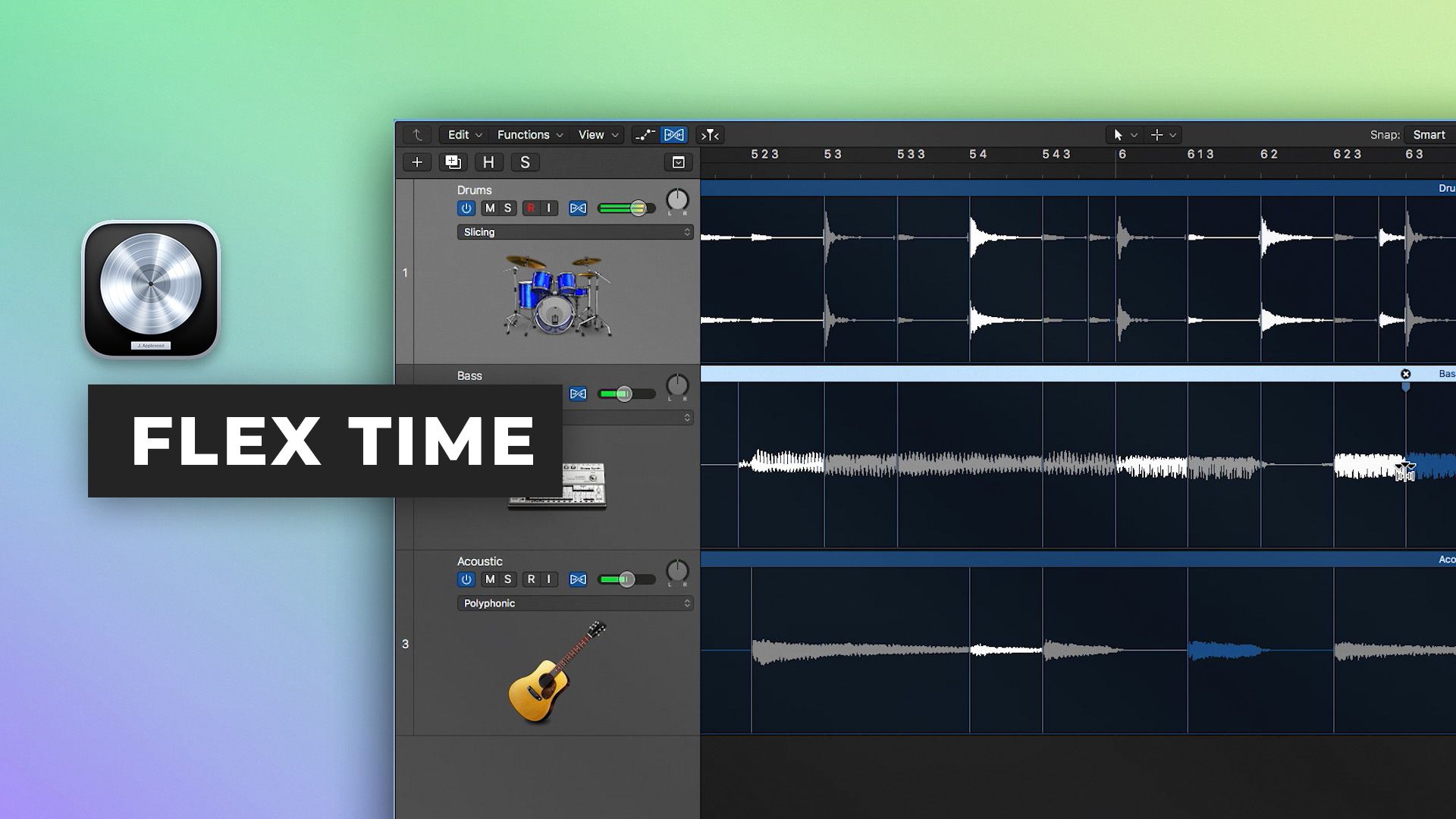
In part eight of our Logic Pro X Quickstart Series, Scott Griffin shows you how to manipulate the timing of audio using Flex Time. Flex Time allows for powerful time based performance editing options and is an invaluable technique to understand.
Learn How To:
- Correct drum performances
- Lock in multiple performances to a unified groove
- Create and edit transient and flex markers for seamless editing
- Use anchor points to selectively edit portions of the performance and leave other areas unedited
- Use the special effect Speed and Tempophonic algorithms to adjust pitch in time and add granular time stretching effects
Watch part 9 here
See the rest of the series here
$19.00Tutorials
$49.00Tutorials
Collective mix
Inside the mix
$39.00Inside the mix
Inside the mix
Tutorials
Collective mix
$49.00Tutorials
$28.00Tutorials
$29.00Tutorials
$5.001 free episodeTutorials
$49.00Tutorials
Tutorials
Tutorials
$19.00TutorialsExplained
$49.00TutorialsTemplates
Collective mixLifeboats
Inside the mix
$39.00Inside the mix
Inside the mix
Tutorials
Collective mixLifeboats
$49.00TutorialsTemplates
$28.00TutorialsExplained
$29.00TutorialsExplained
$5.001 free episodeTutorialsMini shows
$49.00TutorialsTemplates
TutorialsInterviews
Tutorials
$19.00Tutorials
$49.00Tutorials
Collective mix
Inside the mix
$39.00Inside the mix
Inside the mix
Tutorials
Collective mix
$49.00Tutorials
$28.00Tutorials
$29.00Tutorials
$5.001 free episodeTutorials
$49.00Tutorials
Tutorials
Tutorials
$19.00TutorialsExplained
$49.00TutorialsTemplates
Collective mixLifeboats
Inside the mix
$39.00Inside the mix
Inside the mix
Tutorials
Collective mixLifeboats
$49.00TutorialsTemplates
$28.00TutorialsExplained
$29.00TutorialsExplained
$5.001 free episodeTutorialsMini shows
$49.00TutorialsTemplates
TutorialsInterviews
Tutorials
